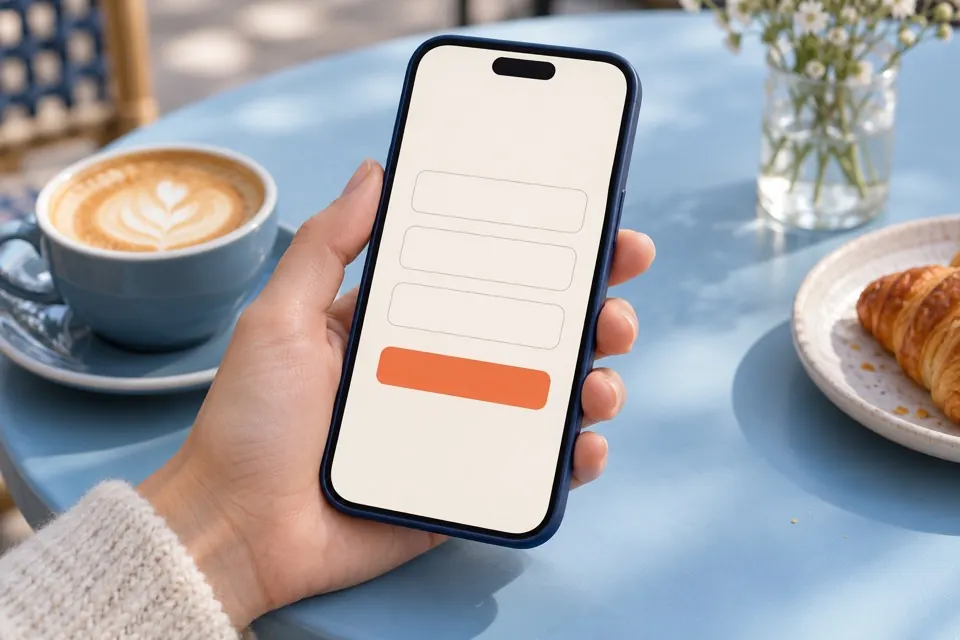
Ask only what you need
A name, email address and short message are enough for many first enquiries. Every required field adds effort, so include extra questions only when useful.
Explain what happens next
Tell visitors that their message has been received and how you typically respond. Use a clear button label and a helpful confirmation.
Make it accessible and mobile friendly
Use visible labels, understandable error messages and keyboard-accessible controls. Check that fields and buttons are easy to use on a phone.
Offer an alternative and test it
Where suitable, also show an email address or phone number. Test submissions regularly. A clear form removes friction, but cannot guarantee more enquiries on its own.
Frequently asked question
Where should I start?
Begin with the pages and customer questions most relevant to your business. A focused review can help you decide what to address first.